Advertisement
Drop your image here
or browse to upload · JPG, PNG, WEBP supported
Preview
—
Choose Frame
📤 Upload your own frame (PNG)
Frame Size
Border Color
Custom:
Border Size
Border Style
Solid
Double
Shadow
Advertisement
6 Built-in Frames
Floral, Wood, Gold, Vintage, Nature and Winter — all rendered natively in your browser, no files needed.
Upload Your Own
Have a PNG frame? Upload it and it will be applied to your image perfectly at full resolution.
100% Private
Your image never leaves your device. Everything runs locally in your browser, instantly.
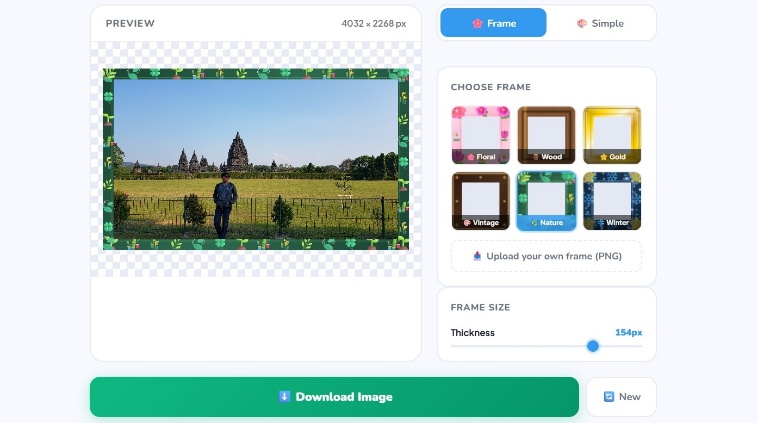
Add Border & Frame to Image — Free Online Tool
iPixLab's Add Border & Frame tool lets you decorate any photo with beautiful frames instantly — no software or account needed. Choose from 6 unique built-in frame styles or upload your own PNG frame for a fully custom look.
Available Frame Styles
- 🌸 Floral — pink & red flowers
- 🪵 Wood — warm brown wood grain
- ⭐ Gold — elegant metallic gold
- 🎨 Vintage — classic ornate border
- 🌿 Nature — fresh green leaves
- ❄️ Winter — cool icy snowflakes
How to Use
Upload your photo, pick a frame style, adjust the thickness with the slider, and click Download. You can also upload your own PNG frame file for a completely custom result.