or browse to upload · JPG, PNG, WEBP supported
Tips
Multiple Layers
Add as many text layers as you need. Each layer is independent — different fonts, sizes, colors, and positions. Great for complex designs.
Make Text Readable
Enable Drop Shadow or Text Outline to make white or light text stand out on any background. Outline works especially well on photos.
Drag to Position
Click and drag any text directly on the preview image to position it exactly where you want. No need to type X/Y coordinates.
Free Online Text on Image Tool — No Signup Required
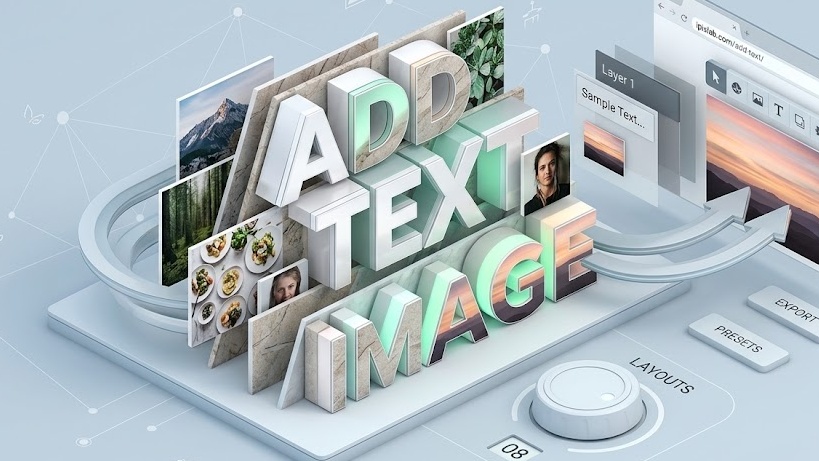
iPixLab.com's text tool lets you add captions, labels, quotes, and any text to your photos directly in your browser. No software to install, no account needed, and no images ever uploaded to a server.
What Can You Use It For?
- Add captions to photos
- Create inspirational quote images
- Add watermarks or branding
- Label product images
- Create social media posts
- Add subtitles to screenshots
Multiple Text Layers
Unlike basic text tools, iPixLab supports unlimited text layers. Each layer has its own font, size, color, shadow, and outline settings. Add a title, subtitle, and footnote all on the same image.
100% Private — Images Never Leave Your Device
All processing happens locally in your browser using the Canvas API. Your images and text are never sent to any server. Works on iPhone, Android, Windows, Mac, and any modern browser.