or browse to upload · JPG, PNG, WEBP · Face forward, plain background recommended
Tips
Face Position
Your face should be centered and fill 70–80% of the frame height. Look straight at the camera with a neutral expression and mouth closed.
Good Lighting
Use a well-lit photo with no shadows on your face or background. Natural daylight from the front works best for passport photos.
Print at 4×6
Download the print sheet and print at 4×6 inches (10×15cm) at a pharmacy or photo lab. The sheet has multiple copies to minimize cost.
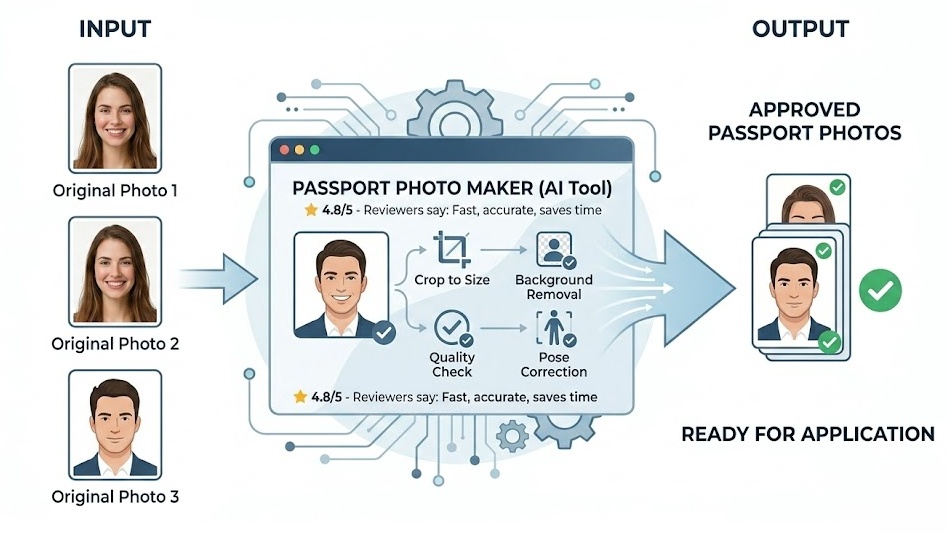
Free Online Passport Photo Maker — No Signup Required
iPixLab.com's passport photo maker lets you create ID and passport photos for any country directly in your browser. No software to install, no account to create, and no photos ever uploaded to a server. Everything runs locally using the Canvas API.
Supported Country Sizes
- USA — 2×2 inch (51×51mm)
- UK, EU, Schengen — 35×45mm
- India Passport & Visa
- Pakistan, Bangladesh, Nepal
- Saudi Arabia & UAE Visa
- China — 33×48mm (blue BG)
- Indonesia, Malaysia, Philippines
- Thailand, Vietnam, Singapore
- Nigeria, Ghana, Kenya, Egypt
- Australia, New Zealand
- Canada, Brazil, Mexico
- Germany, France, Turkey, Russia
How to Make a Passport Photo Online
Upload your photo, select your country from the dropdown, drag to position your face in the center of the frame, adjust zoom, and choose a background color. Click Download Photo to save a single high-resolution image, or Print Sheet to get a 4×6 layout with multiple copies ready to print at any photo lab.
100% Private — Photos Never Leave Your Device
All processing happens locally in your browser. Your photos are never sent to any server — no privacy risk, no data storage. Works on iPhone, Android, Windows, Mac, and any modern browser.