Enter content to generate QR
Tips
WiFi QR Code
Print your WiFi QR code and put it on the wall. Guests scan it to join your network instantly — no password typing needed.
Add Your Logo
Upload your logo to appear in the center of the QR code. Set error correction to High (H) to keep it fully scannable.
Download SVG for Print
Use SVG format for business cards, posters, and large prints. SVG scales to any size without pixelation.
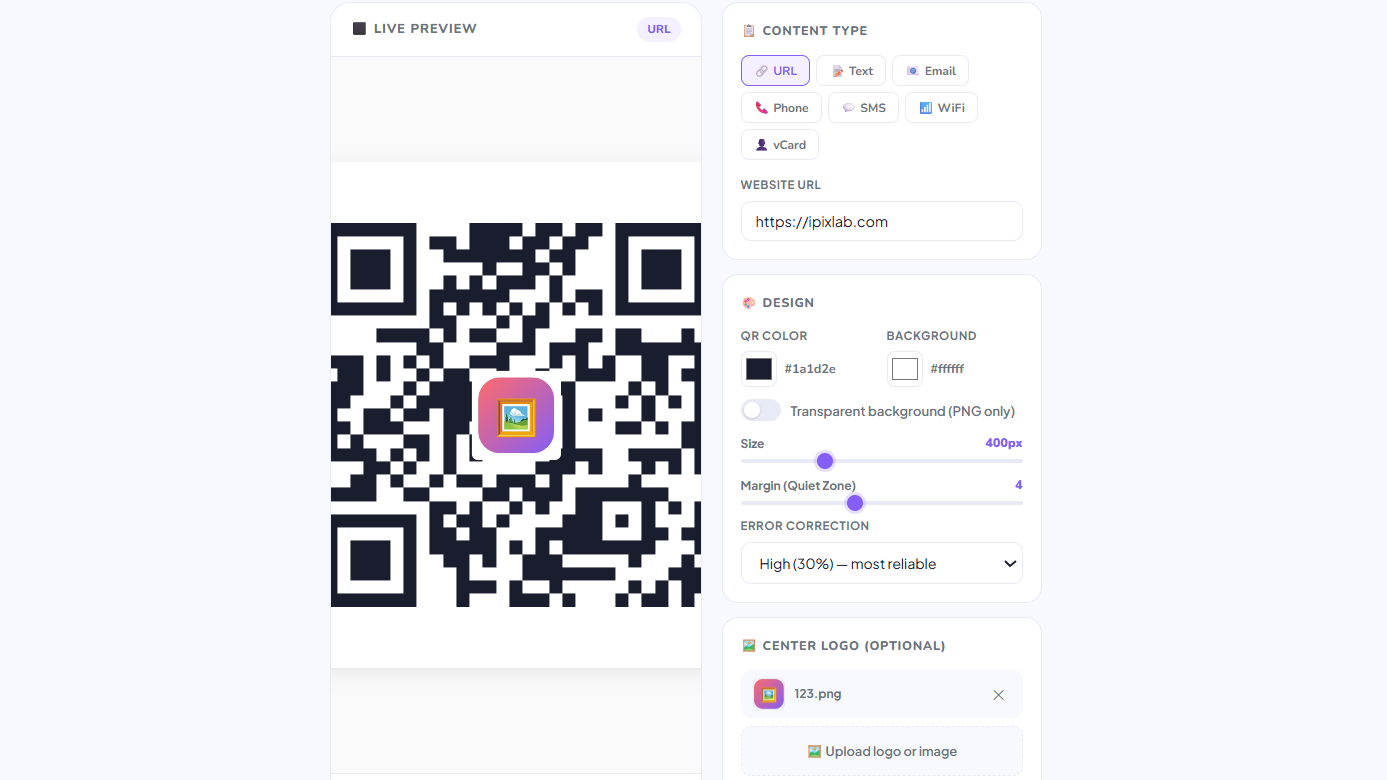
Free QR Code Generator — No Signup Required
iPixLab.com's QR code generator lets you create QR codes instantly in your browser. No software to install, no account to create. Everything runs locally — your URLs, WiFi passwords, and contact info are never sent to any server.
What Can You Encode in a QR Code?
- Website URLs
- Plain text messages
- Email addresses
- Phone numbers
- SMS messages
- WiFi credentials
- vCard contacts
- Custom colors & logo
PNG vs SVG — Which to Download?
Download PNG for general digital use — social media, websites, documents, and standard printing. Download SVG for large-format printing such as posters, banners, and business cards, as SVG scales infinitely without any quality loss.
Do QR Codes Expire?
QR codes generated by iPixLab are static and never expire. The QR code works as long as the content it encodes is still valid — for example, a URL QR code works as long as the webpage exists.