or browse to upload · PDF only
Tips
Custom Range
Use ranges like "1-5, 8, 11-15" to extract exactly the pages you need. Each range or page becomes a separate PDF file.
Select Pages Visually
Switch to Select Pages mode to see thumbnails of all pages. Click to select the exact pages you want to extract.
Download as ZIP
After splitting, click Download All as ZIP to get all your split PDF files in one convenient archive.
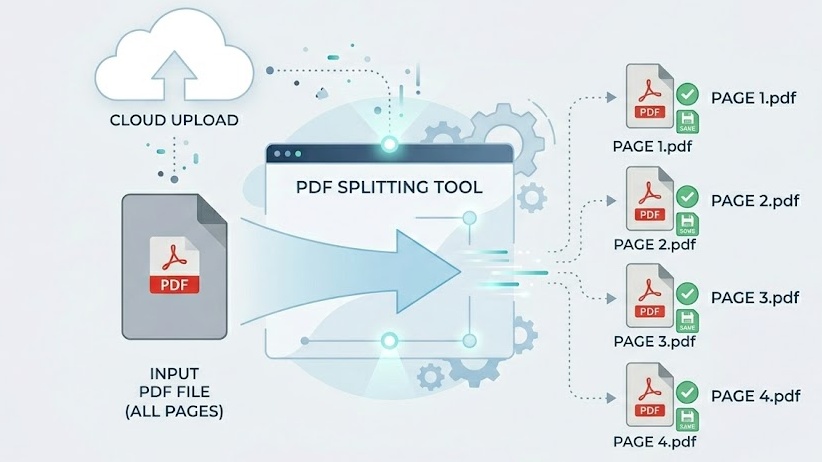
Free Online PDF Splitter — No Signup Required
iPixLab.com's PDF splitter lets you separate PDF pages directly in your browser. No software to install, no account to create, and no files ever uploaded to a server. All processing uses pdf-lib running locally on your device.
Three Ways to Split Your PDF
- Split every page into individual PDFs
- Custom range — 1-3, 5, 7-9
- Select pages visually with thumbnails
- Download individually or as ZIP
- Preserve original quality & fonts
- Works on any device
100% Private — Files Never Leave Your Device
Unlike most online PDF tools, iPixLab processes everything locally in your browser. Your documents are never sent to any server — no privacy risk, no data storage. Perfect for confidential documents, legal files, or anything sensitive.
Does Splitting Reduce Quality?
No. Splitting only separates pages — it never re-encodes or compresses content. Fonts, images, vector graphics, and all formatting are preserved exactly as in the original file.