or browse to upload · PDF only
Tips
Email Attachments
Most email services limit attachments to 10–25 MB. Use Medium compression to reduce your PDF enough to send without visible quality loss.
Remove Metadata
Enable "Remove metadata" to strip author names, creation dates, and software info. This also slightly reduces file size and improves privacy.
Text-Only PDFs
PDFs with mostly text compress very little — text is already efficient. For big savings, compress PDFs that contain many images or scans.
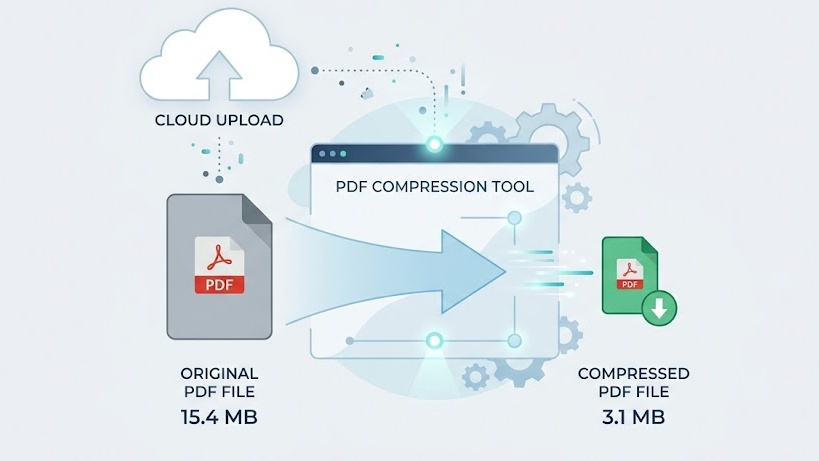
Free Online PDF Compressor — No Signup Required
iPixLab.com's PDF compressor reduces your PDF file size directly in your browser using pdf-lib. No software to install, no account to create, and no files ever uploaded to a server. Your documents stay private on your device.
When Should You Compress a PDF?
- Sending via email (size limits)
- Uploading to web forms
- Saving storage space
- Sharing via messaging apps
- Faster web loading
- Cloud storage optimization
Which Compression Level Should I Use?
Use Low for documents where quality is critical — legal contracts, high-res brochures. Use Medium for general use — reports, presentations, and most office documents. Use High when file size is the only priority and visual quality matters less.
100% Private — Files Never Leave Your Device
Unlike most online PDF tools that upload your files to cloud servers, iPixLab processes everything locally in your browser. Your documents are never sent anywhere — no privacy risk, no data storage, and no retention. Works on any device.