or browse to upload · PDF only
Your PDF is now password protected.
Required to open and view the PDF.
Restrict what users can do with the PDF.
Tips
Use a Strong Password
Mix uppercase, lowercase, numbers, and symbols. At least 8 characters. Example: Tr@vel2026! — avoid birthdays or common words.
Save Your Password
iPixLab never stores your password. Write it down or save it in a password manager before downloading the protected PDF.
Restrict Printing Only
Leave the open password empty and just disable printing. This lets people view but not print — useful for digital-only documents.
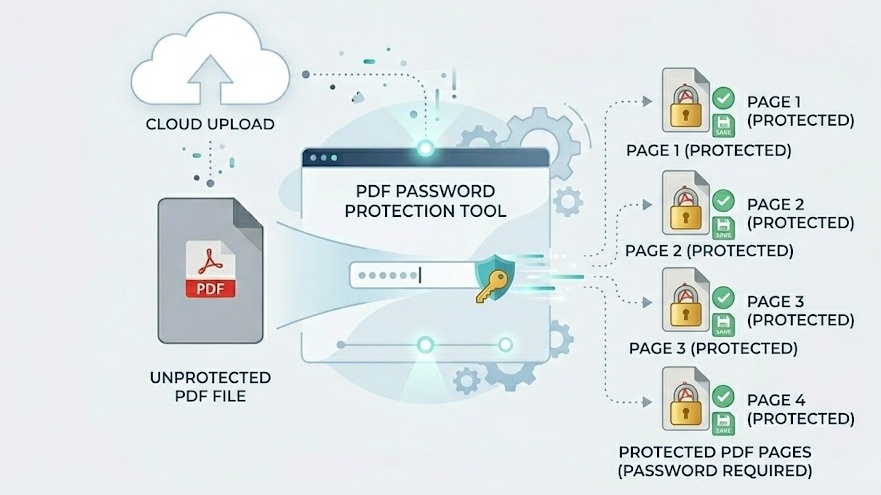
Free Online PDF Password Protection — No Signup Required
iPixLab.com's PDF protection tool adds password encryption to your PDF files directly in your browser. No software to install, no account to create, and no files ever uploaded to a server. Your documents and passwords stay completely private on your device.
What Can You Protect?
- Confidential reports
- Legal contracts
- Personal documents
- Invoice and financial PDFs
- Client deliverables
- Educational materials
Open Password vs Permission Restrictions
An open password prevents anyone from viewing the PDF without the correct password. Permission restrictions (printing, copying, editing) allow the PDF to be opened freely but limit what can be done with it — useful when you want to share a document but prevent it from being copied or printed.
100% Private — Files Never Leave Your Device
Your PDF file and password are processed entirely in your browser using the pdf-lib JavaScript library. Nothing is ever transmitted to any server. iPixLab never sees your files or your passwords.