or browse to upload · PDF only
Tips
Fix Scanned Pages
If scanned pages come out sideways, use "90° CW" or "90° CCW" to fix them. Use "Rotate All" to fix the whole document at once.
Individual Pages
Use the ↺ ↻ buttons on each page thumbnail to rotate specific pages independently — useful when only some pages are sideways.
Reset a Page
Click the Reset button below any page to undo its rotation and return it to the original orientation from the uploaded file.
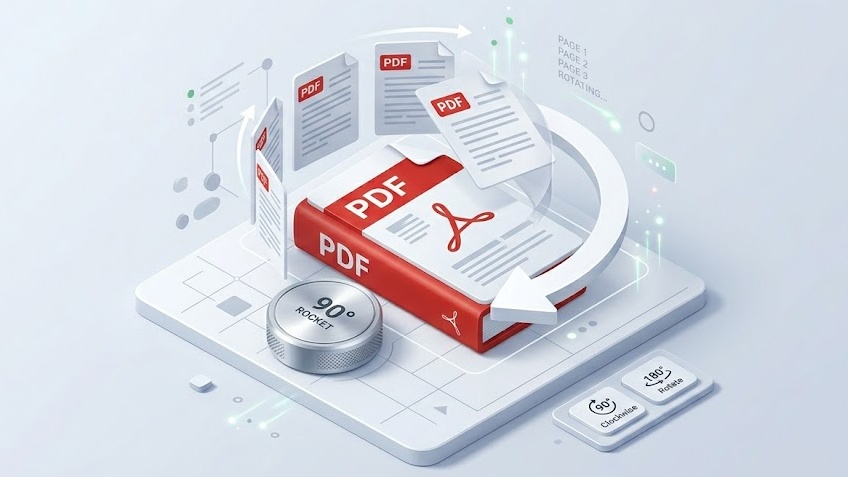
Free Online PDF Rotation Tool — No Signup Required
iPixLab.com's PDF rotation tool lets you fix sideways or upside-down PDF pages directly in your browser. No software to install, no account to create, and no files ever uploaded to a server. Everything uses the pdf-lib JavaScript library running locally on your device.
When Do You Need to Rotate a PDF?
- Scanned documents sideways
- Mixed portrait and landscape pages
- Photos saved in wrong orientation
- Documents from mobile scanners
- Upside-down fax received pages
- Before printing or sharing
Rotate All Pages or Just Specific Pages
Use the toolbar buttons to rotate all pages at once, or use the per-page controls to rotate individual pages independently. Each page can have a different rotation angle — perfect for mixed-orientation documents.
100% Private — Files Never Leave Your Device
Your PDF files are never sent to any server. All rotation happens locally in your browser using pdf-lib. No privacy risk, no data storage, works on any device.